Back to portfolio
Case study

Reset Coffee

The RESeT Club: a digital loyalty card for a neighborhood coffee shop.

Role
Full-stack design & development
Client
Reset Coffee · Providencia
Timeline
Aug 2024 – present
Stack
Next.js · TypeScript · Supabase · NextAuth · Apple Wallet · PostHog
The problem

Paper stamp cards get lost, get forgotten and say nothing about customers.

Reset Coffee, a coffee shop in Providencia, Santiago, wanted to reward regulars with a free coffee every 9 purchases. It needed something customers couldn’t lose, that staff could use in seconds at rush hour, and that gave the business a real picture of who comes back and how often.

The solution

A four-step flow, with no app to install.

  1. 01

    Join with a QR code

    A QR code on the counter tablet leads to the club. One-tap Google sign-in, no passwords or forms.

  2. 02

    Save the card to Wallet

    The card goes into Apple Wallet with its own QR code. Without an iPhone, the same QR shows on the web card.

  3. 03

    Scan on every visit

    The barista scans the QR with the camera or a scanner, and the pass on the phone updates instantly with a notification.

  4. 04

    Automatic redemption

    At 9, scanning the card redeems the free coffee and resets it, with an undo option.

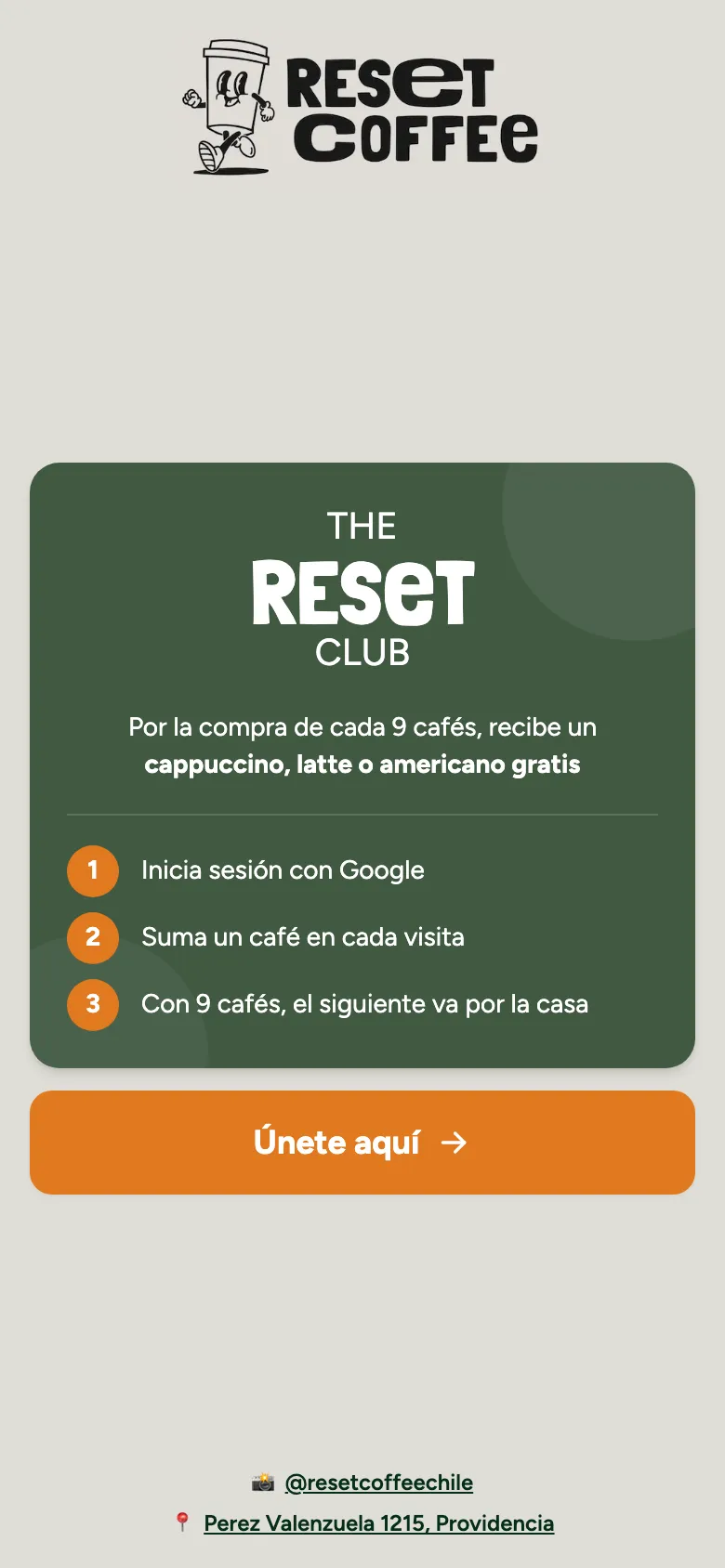
Club home screen
Club home
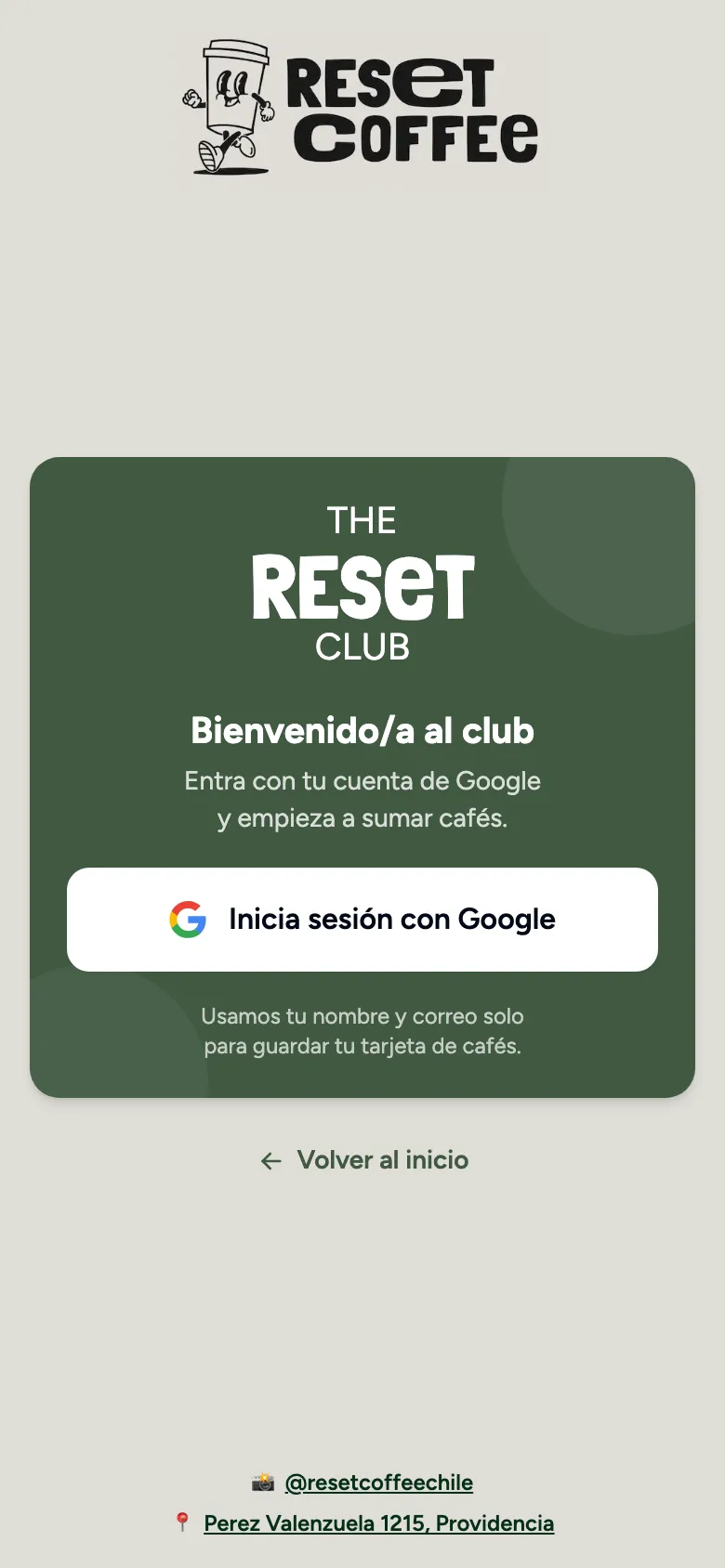
Google sign-in screen
Google sign-in
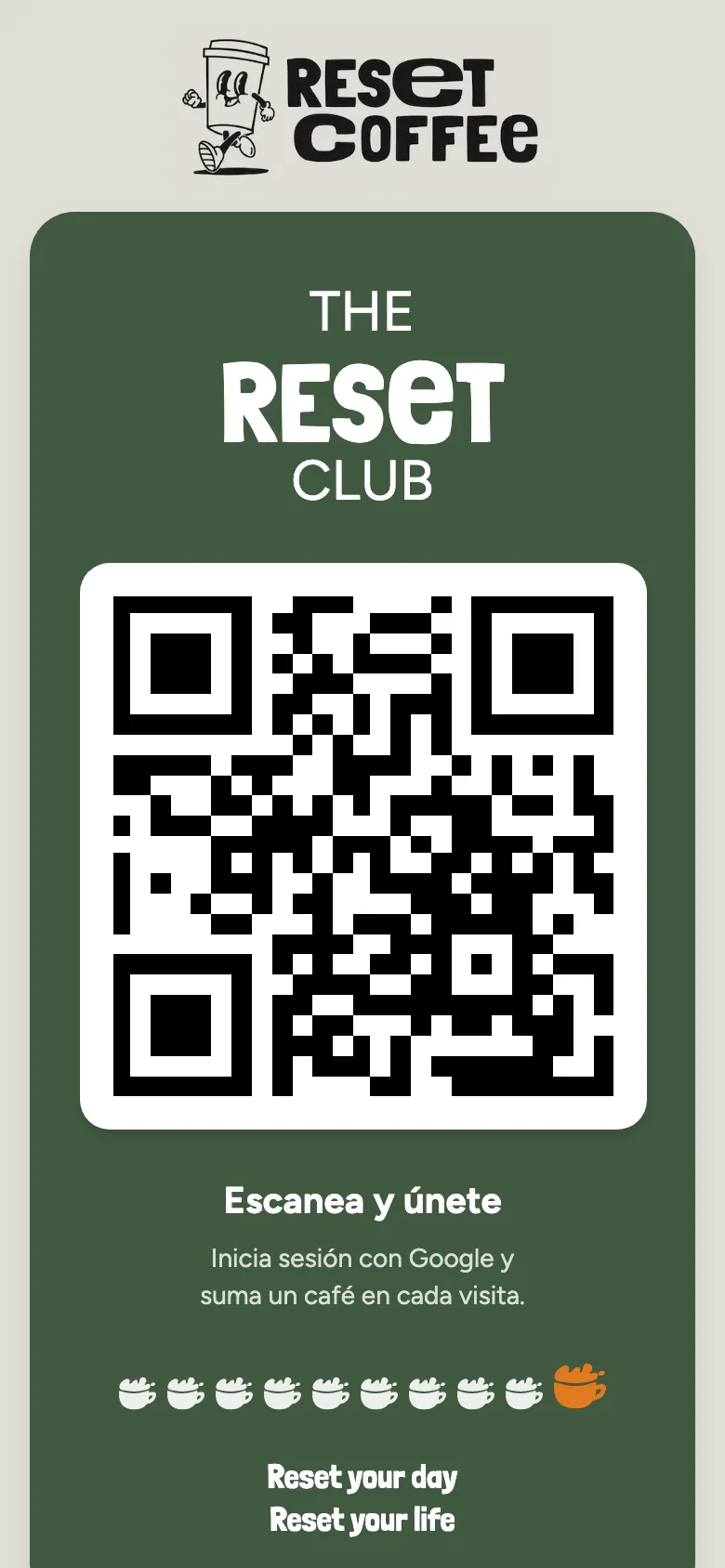
QR screen to join
QR at the counter
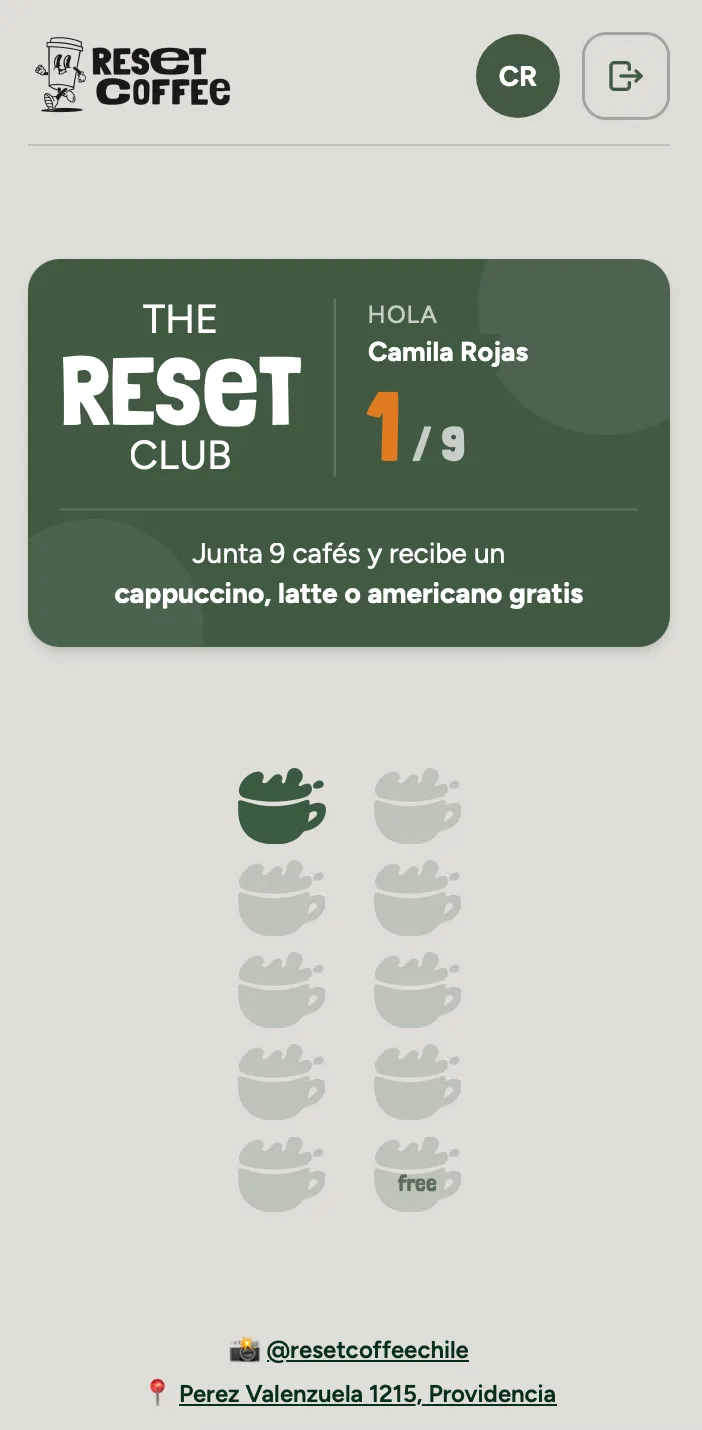
Loyalty card with 1 of 9 coffees
Customer card
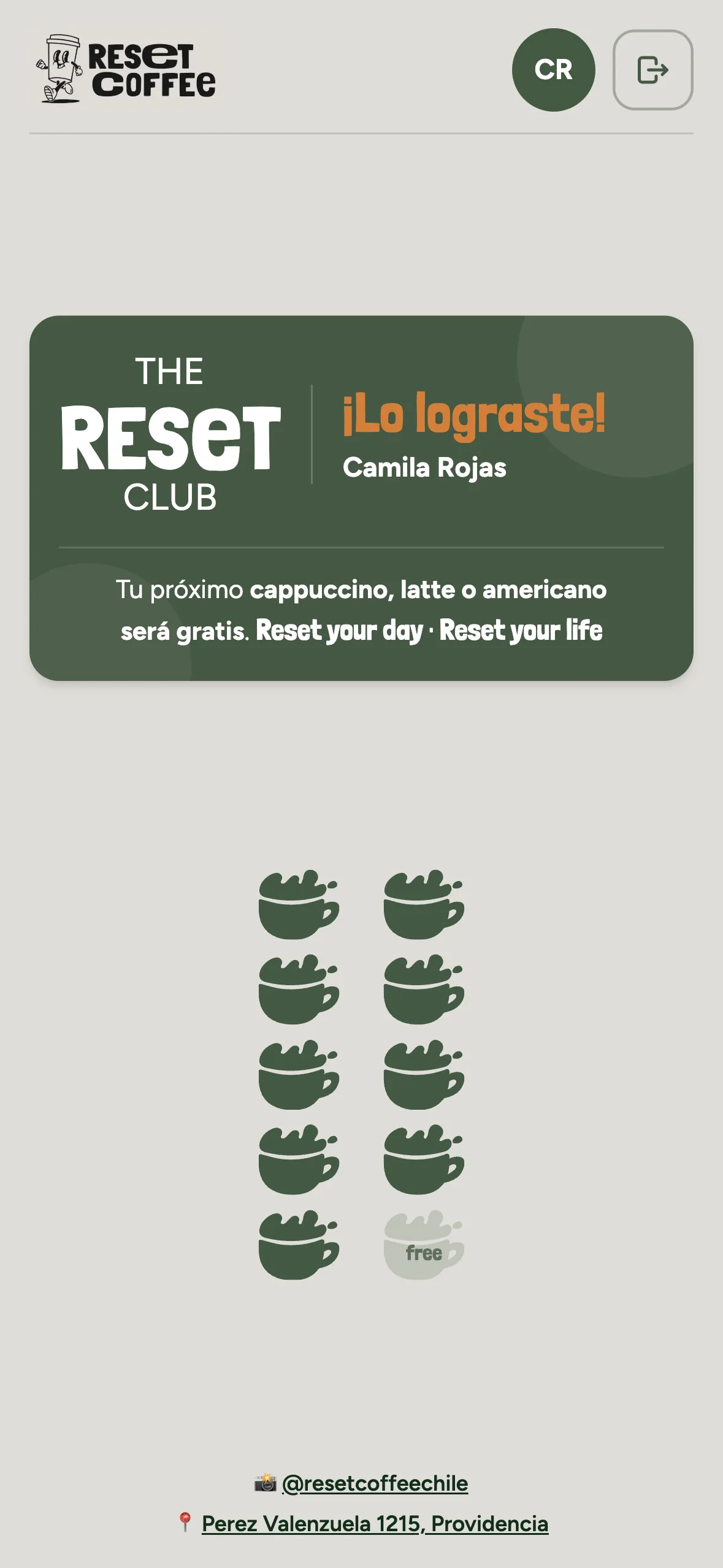
Completed card with the reward unlocked
Reward unlocked
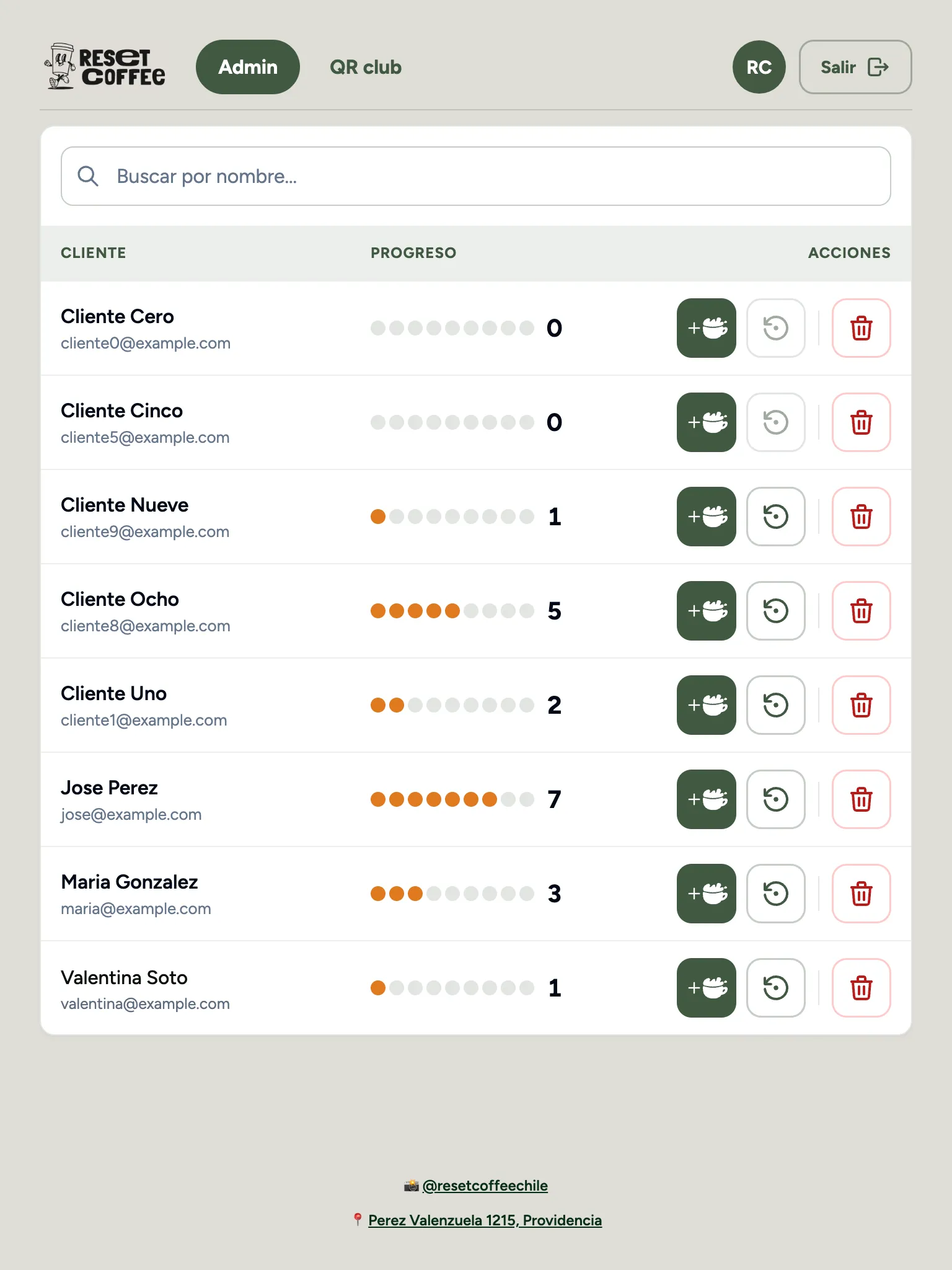
Admin dashboard listing customers and their progress
Admin dashboard (counter tablet)

Screenshots of the app with test data; names and profile photos replaced.

Technical decisions

Small on the outside, careful on the inside.

An Apple Wallet pass that updates itself

The card lives on the phone as a Wallet pass. I implemented the PassKit web service: when the barista adds a coffee, the server sends an empty APNs push and the iPhone downloads the updated pass, with the stamp strip rendered per request and a notice that tells an added coffee from a redeemed reward. The QR is signed, so it cannot be forged or guessed for another customer.

export const addCoffeeByToken = async (token: string) => {
  if (!(await isAdmin())) return UNAUTHORIZED;
  // Signed QR: a tampered or made-up code is rejected.
  const id = verifyClientToken(token);
  if (!id) return { error: "Código no válido." };

  // A full card is redeemed instead of adding one.
  return current.coffees >= COFFEES_TO_EXCHANGE
    ? applyRedeem(id, "scan")
    : applyCoffeeAdded(id, "scan");
};

// After every change: an empty push tells the iPhone
// to fetch the pass again. No polling.
notifyPassChanged(id);

Atomic counting, no race conditions

At rush hour, a scan and a click can arrive for the same customer almost at once. Adding and redeeming use compare-and-set: the change only applies if the count has not changed since it was read, and the server never trusts the number sent by the browser.

// Never trust the count sent by the browser:
// read the current value from the database.
const { data: client } = await supabase
  .from(TABLE_NAME).select(CLIENT_COLUMNS).eq("id", id).maybeSingle();

// Compare-and-set: only updates if nobody changed the count meanwhile.
const { data: updated } = await supabase
  .from(TABLE_NAME)
  .update({ coffees: 0, rewards_redeemed: client.rewards_redeemed + 1 })
  .eq("id", id)
  .eq("coffees", client.coffees)
  .select("id");

Server Actions treated as public endpoints

Hiding a button protects nothing: anyone can invoke a Server Action with a POST. So every admin action (add, scan, redeem, delete) checks the role on the server before touching the database.

// Server Actions are public POST endpoints:
// every admin action must check the role itself.
export const isAdmin = async () => {
  const session = await auth();
  return session?.user?.role === "admin";
};

export const addCoffee = async (formData: FormData) => {
  if (!(await isAdmin())) return UNAUTHORIZED;
  // ...
};

Scanning built for the counter

It works with the device camera or USB/Bluetooth scanners. The QR uses only letters and digits so a scanner typing under a Spanish keyboard layout cannot mangle it, repeated reads within 5 seconds are ignored and every action can be undone.

Multiple shops

Each staff device picks its shop, so every coffee is recorded where it happened. The Wallet pass shows on the lock screen when the customer is near any of the shops.

Server-side product analytics

Server-side PostHog events cover the whole funnel: sign-up, coffees added, rewards earned and redeemed, and the Wallet pass lifecycle (downloaded, installed, removed). Every event carries the shop and lifetime counters per customer.

A dashboard that is quick to use

Accent-insensitive name search, pagination of 10 customers and streaming with Suspense and skeletons, so staff can find someone in seconds with a queue waiting.

Roles without a permissions table

Admins are defined with a per-environment variable. If it is missing, the list is empty and nobody is admin: it fails closed.

Lightweight session, idempotent sign-up

The session callback, which runs on every request, never queries the database. Sign-up happens once per login through an upsert by email that never overwrites collected coffees, and the card page self-heals if the row is missing.

Stack
Frontend
Next.js 16 App Router · React 19 · TypeScript · Tailwind CSS · Radix UI
Auth
NextAuth (Auth.js) · Google OAuth · proxy (middleware)
Data
Supabase (Postgres) · Server Actions · RLS
Wallet
Apple Wallet (PassKit web service) · passkit-generator · APNs · next/og
Scanning
qr-scanner (camera) · USB/Bluetooth scanners
Product
PostHog · Vercel Analytics · Speed Insights
Deploy
Vercel · CI with GitHub Actions
Learnings
  1. 01

    In a small app, concurrency and permission details matter as much as in a big one: a duplicated count is a free coffee given away.

  2. 02

    Integrating Apple Wallet means designing for a client you do not control: Apple calls your server whenever it wants, so every response has to be idempotent and safe without a session.

  3. 03

    Designing for the counter changes priorities: fewer steps, error-tolerant scanning and being able to undo matter more than any animation.

  4. 04

    Measuring on the server gives reliable data from day one, independent of ad blockers or the customer’s browser.

Need something like this for your business?